
Jun 15
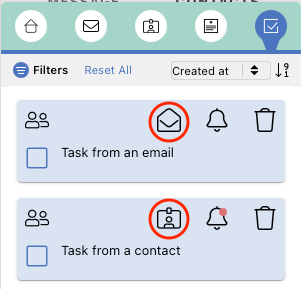
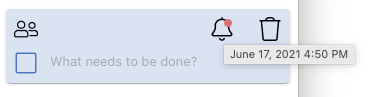
Task list: please include date and recipent/sender
The tasks list usability would be greatly improved if you would include in each list entry:
- due date
- sender
- recipient
right now the task list is of no use to me, because it shows only the name of the task. I can't see when a task is due, and what it's about (especially when I did not enter a great name for the task)
Completed
I agree; even the company name (shorter than full contact name) would help a lot to quickly select tasks. I dont want to open the email first when I dont want to work on the task. I have solved it now manually by putting the name or Company in front of the task description..