MailbutlerM
Mailbutler
Feb 2

Ability to insert Placeholders (aka Common Fields for dates etc.) in Email Template

There is already a feature request for "sending recurring email". This request is to add to the functionality of the 'recurring emails': I would like to see a feature to create an email template (for the recurring emails), where I have the ability to insert Placeholders or aka Common Fields for dates (month, year, day) (e.g. March 1, 2021, November, 2023 etc.). these placeholders could look like this, for ex.: If I want to enter the Week, it would be..... [Week], If I want to enter the Month, it would be..... [Month], If I want to enter the Week and Year, it would be..... [Week Year], If I want to enter the Month and Year, it would be like.... [Month Year] And so, on.... Something like that would work, but I wouldn't mind to see something even better. So, I would like to be able to insert these placeholders in either the Subject Line and the Email Body as well. These Placeholders can be set up to show the date (in the Subject Line or Email body) based on the date the email is scheduled to be sent out. But, they can also be set up to show whatever dates one prefers. There should be a little flexibility.
ClosedClosed

May 22, 2023

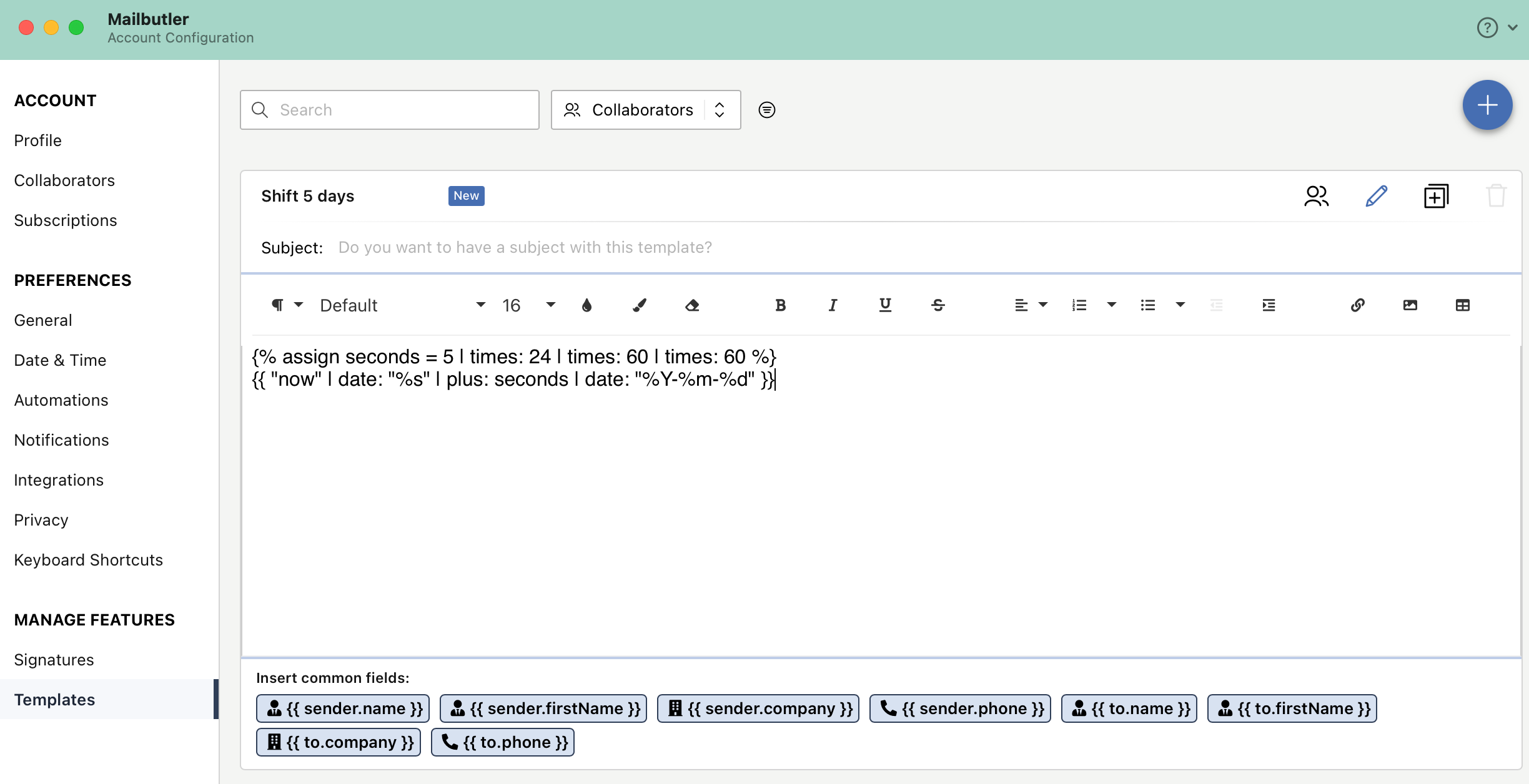
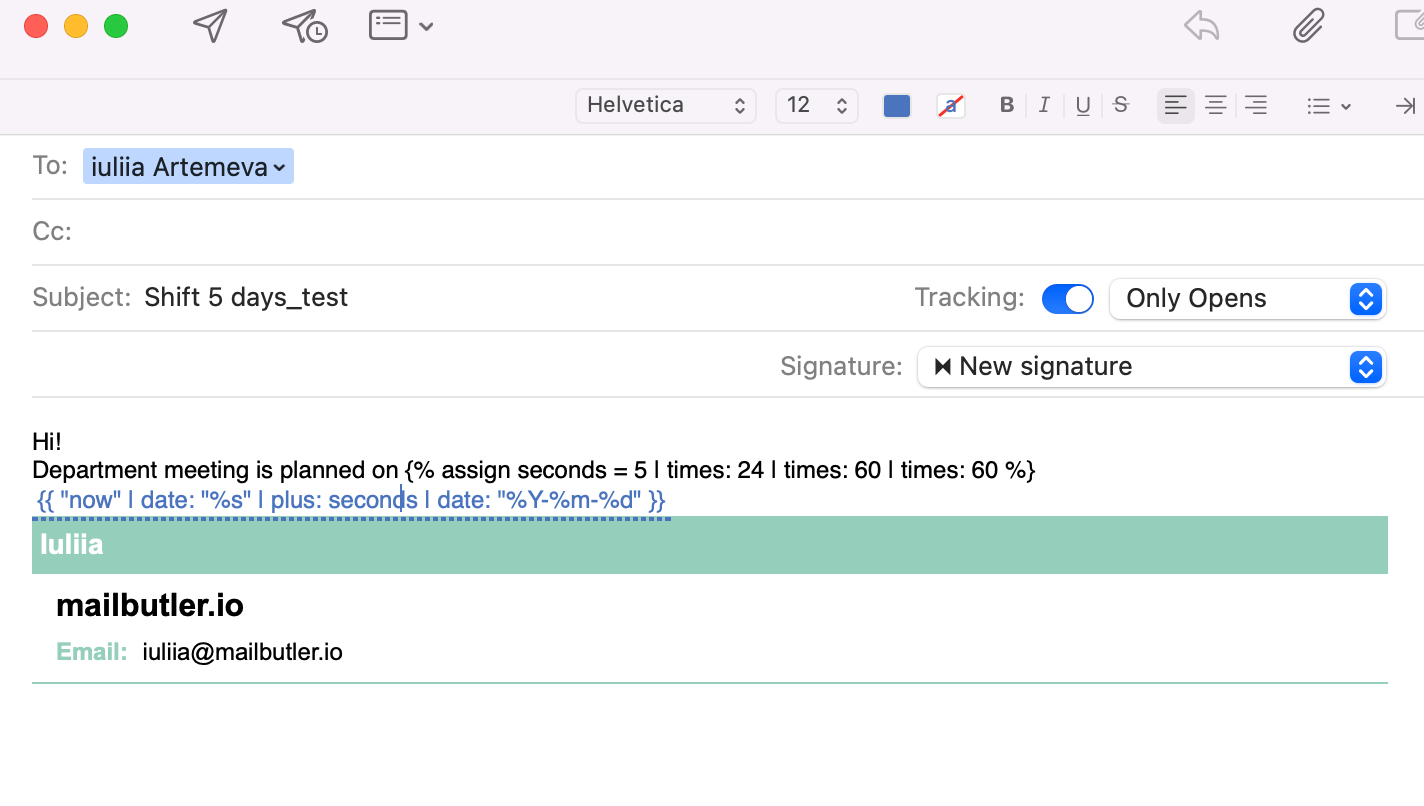
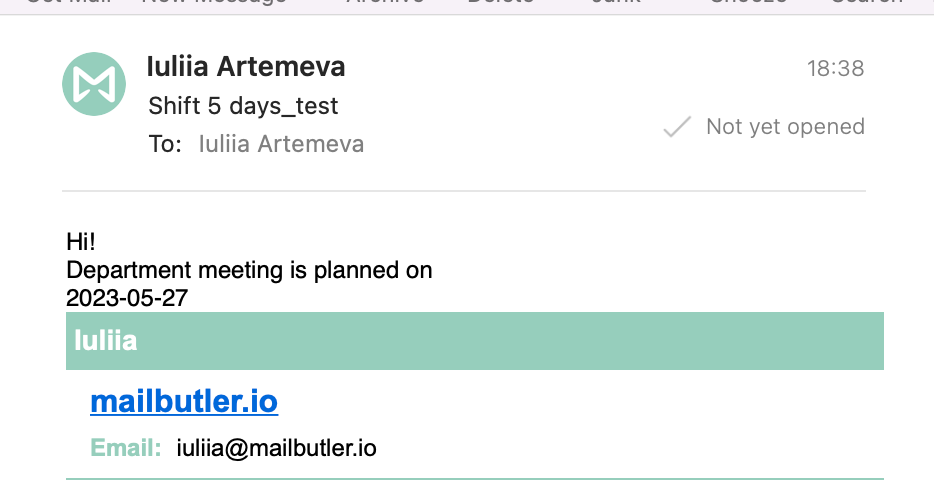
Hi Sorin! Here are some cases: 1) You would like to insert actual date, placeholder will be {{ "now" | date: "%Y-%m-%d" }} Please find screenshots attached

May 23, 2023

Mailbutler: Thank you. However, the main feature would be to be able to set up a recurring email where we can insert the placeholders. For example, I need to send an email to the team every month on the last day of the month. The text is the same, so I should be able to use an email template. The only thing that changes is some dates. In the subject line the [month] will change, based on the month that the email is being sent. In the body of the email, the [month] but also the entire date (e.g. Thursday, June 1st, 2023) should also be there. For example, on May 31st, I need to send an email to the team "Please don't forget to enter your hours for May no later than Thursday, June 1st, 2023." Then, on June 30, I will be sending another email "Please don't forget to enter your hours for June no later than Thursday, July 1st, 2023." And so on.

May 23, 2023

Also, is there placeholder to write the date as word (May 22, 2023) as opposed to numerical format (2023-⁠05-⁠22)?

May 15, 2023

Hi Sorin! Thank you for sharing your ideas with us and providing detailed explanation. We will take your request into account for the scope of future "Templates" editor upgrade. Also it is already possible to have a dynamic date in templates and insert placeholders in subject or email body.

May 17, 2023

Mailbutler: Can you please let me know how I can use the dynamic date in templates and insert placeholders in subject or email body. Thank you!

May 22, 2023

Sorin Silivestru: 2) You would like to shift date e.g for 5 days, placeholder will be: {% assign seconds = 5 | times: 24 | times: 60 | times: 60 %} {{ "now" | date: "%s" | plus: seconds | date: "%Y-%m-%d" }}